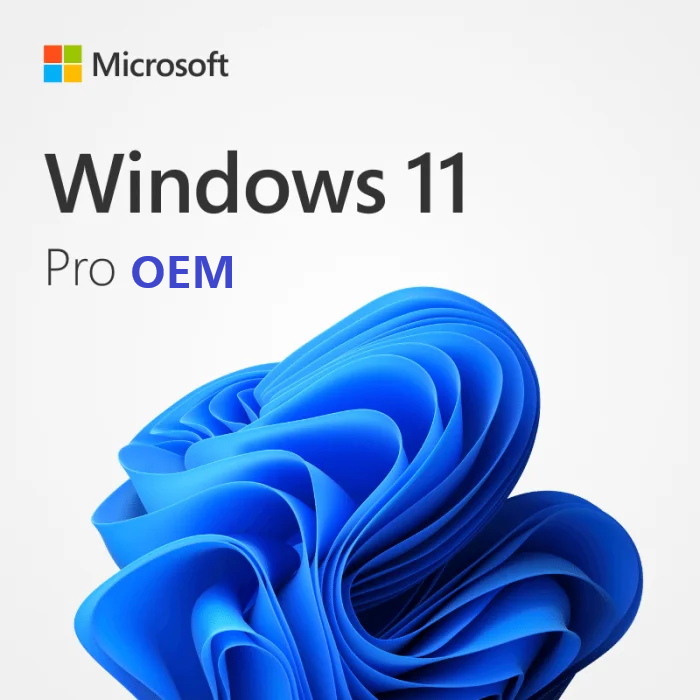

Windows 11 Pro OEM key
Activate Windows 11 Pro for less with a genuine OEM license. You get the full Windows 11 Pro feature set, exactly the same as retail, with OEM terms that keep the price down. The license activates one PC permanently and works on both 32 and 64-bit installations.
OEM vs retail, before you buy
OEM and retail Windows 11 Pro are the same edition, with the same features and the same updates. The difference is in the license terms. An OEM key is meant to stay with the first PC it activates, while a retail key can move to a new device later. If you’ll want to transfer the license to future hardware, buy a retail key instead.
One thing to get right: this key activates Windows 11 Pro only. Make sure Windows 11 Pro is installed first. It won’t upgrade Home to Pro, so check your edition before you buy.
Who Windows 11 Pro is for
Professionals and businesses that need more than Home offers, including BitLocker device encryption, Remote Desktop host, domain join and Group Policy, Hyper-V, and Windows Sandbox.
How to activate
- Open Settings.
- Go to System, then Activation.
- Choose Change product key.
- Enter the key you received.
- Windows 11 Pro activates and you’re set.
Need the installer? Download Windows 11 from Microsoft, then activate with your key.
Genuine license, instant delivery
Your genuine Windows 11 Pro OEM key arrives by email within minutes, with activation instructions, support, and our money-back guarantee. Resellers: email contact@yoursoftwarekeys.com for tailored bulk pricing.
Related reading
Need help activating? See How to activate Windows 11 Pro with a product key.
Comparing options? Read OEM vs retail Windows license: what is the difference.