

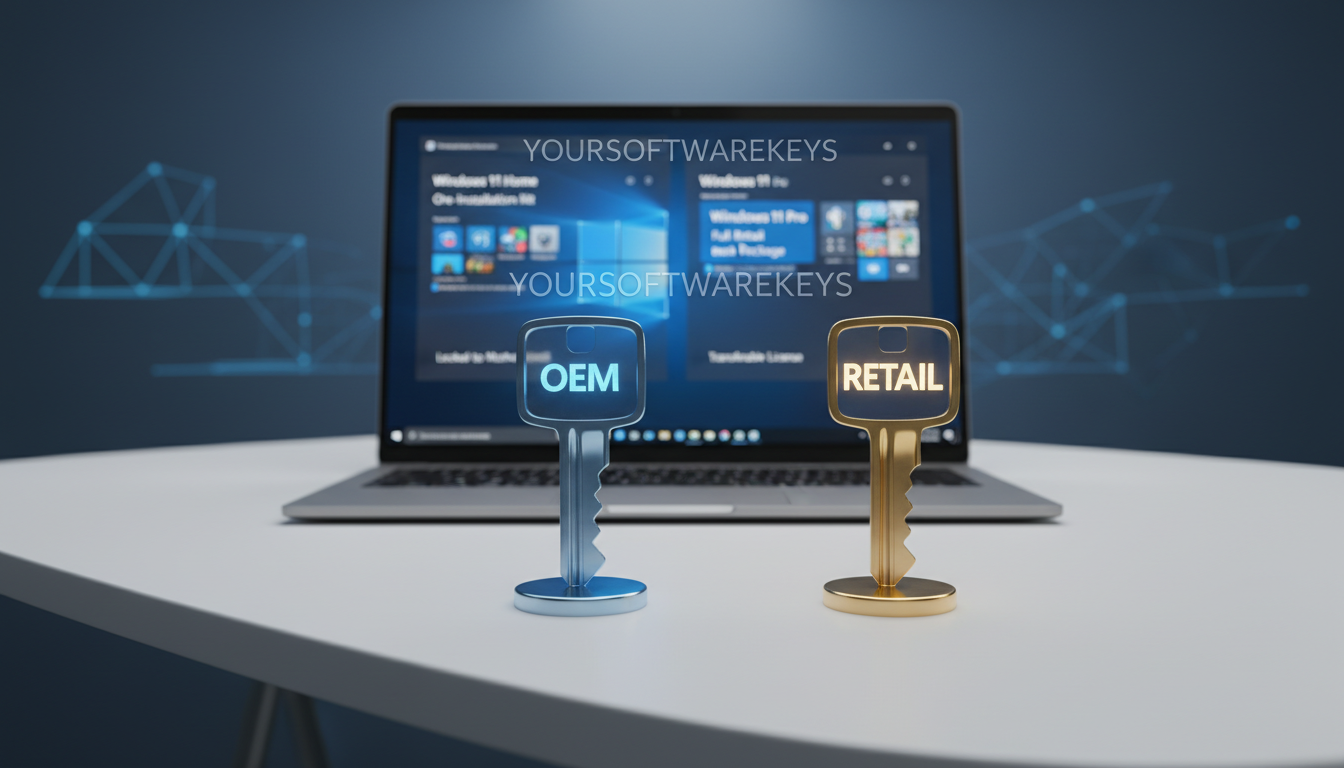
Choosing the right software for your computer can be hard. We make it easier to understand the main differences. This helps you save money and avoid problems later.
Many people get confused between two main choices for their PC. Our team at Yoursoftwarekeys.com explains how digital keys work. Knowing the Windows license difference helps you choose the best one for your computer.
It’s important to know about OEM rules. We explain the transfer rights and support options to help you buy. Let’s explore the unique features to find what’s right for you.
Key Takeaways
- Factory keys link to a specific motherboard.
- Full versions permit moving software to new computers.
- Support for build-in keys comes from hardware makers.
- Price gaps make bulk keys attractive for budget builds.
- Purchases include direct help from Microsoft experts.
Understanding Windows Licenses
Windows operating system licenses come in two main types: OEM and Retail. Knowing the difference helps you choose wisely.
OEM licenses are for makers of computers. They sell these licenses to companies that put Windows on their machines.
What Are OEM Licenses?
OEM licenses stick to the computer they’re on. You can’t move Windows to another computer with this license. This is important to know.
OEM licenses are cheaper. They’re sold in big numbers to makers.
What Are Retail Licenses?
Retail licenses are for people who buy Windows themselves. They can move the license to a new computer under some rules.
These licenses are great for those who build their own PCs or change their computer parts often. You can switch the license to a new computer, but you might need to set it up again.
Here’s a quick look at the main differences between OEM and Retail licenses:
| License Type | Transferability | Cost | Ideal For |
|---|---|---|---|
| OEM | No | Generally cheaper | Pre-built systems, budget-conscious buyers |
| Retail | Yes, under certain conditions | More expensive | Custom PC builds, frequent hardware upgrades |
Key Characteristics of OEM Licenses
OEM licenses are a cost-effective way to activate Windows. But, they have some limits.
Cost-Effectiveness of OEM
An OEM Windows license is very affordable. It’s cheaper than retail licenses. This makes it great for building or buying systems.
System-Specific Usage
OEM licenses are only for the system they’re first used on. The Windows license key is tied to the hardware, like the motherboard. This means big changes to the system might need a new activation.
Changing a lot of hardware could break the license rules.
Activation Limitations
OEM licenses can’t be moved to another system. They’re locked to the original hardware. This is important to know if you might change your system later.
In short, OEM licenses are cheap but have limits. They’re tied to the system and can’t be moved. Think about these points when choosing a Windows license.
Key Characteristics of Retail Licenses
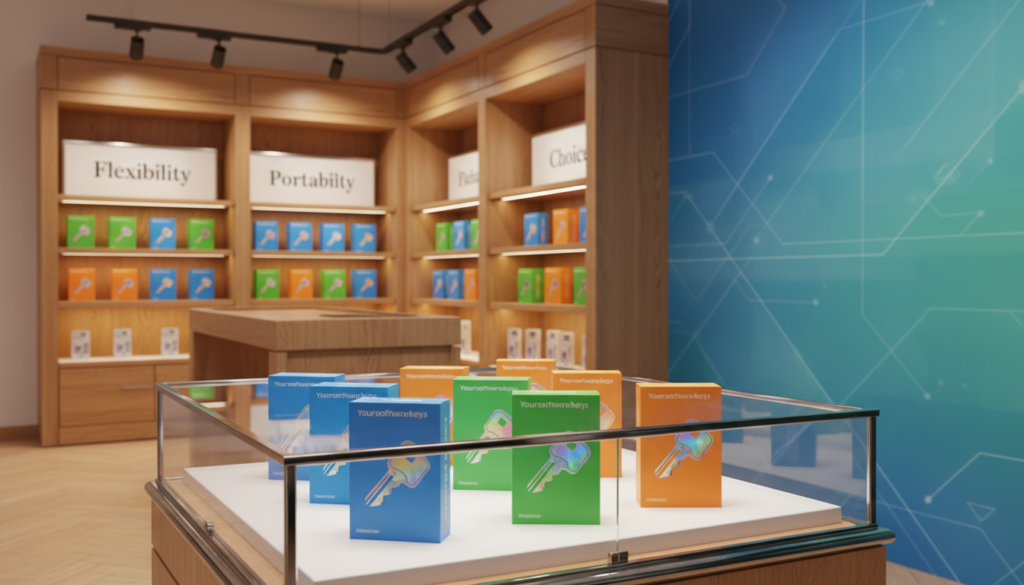
Retail Windows licenses have many benefits. They are flexible and portable. This means users can move their license to different computers easily.
Flexibility and Portability
Retail licenses are great for those who change their computer often. They are perfect for people who build their own PCs or update their hardware a lot. Unlike other licenses, Retail licenses can be moved to new computers.
Microsoft says, “You can move a Retail license to a new PC. But you must take it off the old one first.” This shows how important it is to handle your license right when changing hardware.
Support and Warranty Benefits
Retail licenses offer direct support from Microsoft. This support helps users solve problems quickly. It’s very helpful for those who need help fast.
They also come with warranty benefits. This adds extra protection for your investment. It’s a big plus for users who use Windows for important tasks.
Activation Process
The activation for Retail licenses is easy. Users can activate online or by phone. Microsoft makes it simple to start using your license. This is why many people choose Retail licenses.
In summary, Retail licenses are great because of their flexibility, support, and easy activation. They are a good choice for many users.
When to Choose an OEM License
When you think about getting a Windows license, knowing when to pick an OEM license is key. OEM licenses are made for PC makers and builders. They are cheaper for those buying or building a new computer.
Ideal for Pre-Built Systems
OEM licenses fit well with pre-built systems. They stick to the computer’s hardware they’re first put on. This is perfect for buying new desktops or laptops from the maker.
Budget Constraints
If you’re watching your budget, OEM licenses are cheaper upfront. This is great for businesses buying many computers with Windows.
Understanding Restrictions
But, it’s important to know the limits of OEM licenses. These licenses can’t be moved to new hardware. So, if you change your computer a lot, you might not be able to use your OEM license anymore.
| Feature | OEM License | Retail License |
|---|---|---|
| Transferability | Not transferable to new hardware | Transferable to new hardware |
| Cost | Generally cheaper | More expensive |
| Support | Limited to the original hardware | Supported by Microsoft directly |
Knowing when to use an OEM license and its limits helps you make better choices. Whether buying a pre-built system or watching your budget, an OEM license is good if you know its limits.
When to Choose a Retail License
If you’re building a custom PC or upgrading often, a Retail Windows license is great. It’s different from OEM licenses because you can move it to new hardware. This makes it easy to change your PC’s parts without losing your license.
Custom PC Builds
For custom PCs, a Retail license is best. It lets you put Windows on your new machine without being stuck with old parts. This is perfect for people who like to change and improve their PCs.
Frequent Upgrades
Upgrading your PC a lot? A Retail license makes it easy. You can move your Windows to new parts without having to reactivate it. This saves you time and keeps your PC running smoothly.
Need for Transferability
Want to move your license to new hardware? A Retail license is for you. It’s great for upgrading to a new PC or fixing a broken part without buying a new license.
Key benefits of a Retail license include:
- Flexibility to transfer the license to different hardware
- No restrictions on hardware upgrades
- Ability to use the license on custom-built PCs
In short, a Retail Windows license is perfect for those who like to change things up. It’s great for upgrading often or moving your license to a new PC. With a Retail license, your Windows experience stays flexible and future-proof.
Price Comparison: OEM vs Retail
It’s important to know the cost difference between OEM and Retail Windows licenses. This choice can affect how much you spend on a Windows operating system.
Think about the cost not just at first but also over time. Consider things like flexibility, support, and future upgrades or transfers.
Initial Cost Analysis
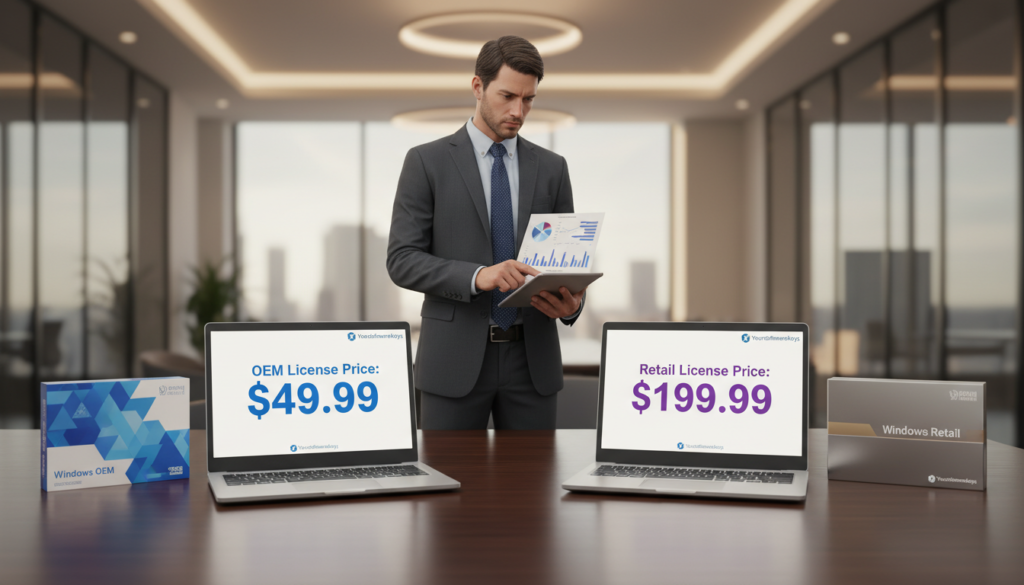
The first thing you notice is the price. OEM licenses are cheaper upfront than Retail ones. This is because OEMs buy in big numbers, making each license cheaper.
Retail licenses cost more but offer flexibility and support. These benefits are not found in OEM licenses.
Long-term Value Considerations
OEM licenses save money at first but have limits later. They are stuck to the hardware they start on. This limits how you can use them.
Retail licenses are more flexible. You can move them to new hardware if needed. This flexibility, plus better Microsoft support, makes Retail licenses more valuable over time.
Even with the initial savings, Retail licenses might be better. This is true for those who plan to upgrade or need more support.
Activation Process Differences
Activating Windows is important. OEM and Retail licenses have different steps. We’ll look at these differences to help you understand the activation process.
OEM Activation Steps
OEM licenses activate automatically when you set up a new computer. The activation is tied to the hardware, like the motherboard. You usually don’t need to do anything.
This makes it easy but means the license is only for that computer.
Retail Activation Steps
Retail licenses need you to enter a Windows activation key yourself. You can do this online or by phone. This way, you can use the license on different computers, following Microsoft’s rules.
Support and Warranty: Who Offers More?
When choosing between OEM and Retail Windows licenses, think about support and warranty. The kind and quality of support can really affect how you use your computer. This is true when you run into problems with Windows.
Manufacturer Support for OEM
OEM licenses get support from the device maker. So, if Windows problems pop up on an OEM device, you’ll need to contact the maker for help.
- The support is mainly for the device itself.
- OEMs offer different levels of support.
- Warranty and support questions go to the manufacturer.
Microsoft Support for Retail
Retail licenses get help straight from Microsoft. This direct help is good for those who like to talk to the software maker themselves.
Key benefits of Microsoft support for Retail licenses include:
- You get direct access to Microsoft’s support.
- Support covers a lot.
- You can move the license to another device. This is handy if your hardware fails.
It’s important to think about what you need. OEM support might be enough for a pre-built system. But, if you build your own PC or upgrade often, Retail’s direct support and flexibility are better.
Longevity and Updates
Exploring Windows licenses, we see how long they last and their update rules. OEM and Retail licenses get updates, but their rules differ, mainly about changing hardware.
Microsoft often updates Windows to make it better, safer, and more useful. These updates keep your system healthy and safe.
Update Policies for OEM Licenses
OEM licenses are linked to the hardware they start on. They get updates from Microsoft, but big hardware changes can be a problem. For example, swapping the motherboard might mean you need a new license.
OEM Update Policy Highlights:
- Updates are generally available through Windows Update.
- Major hardware changes can impact license validity.
- OEMs may also provide additional drivers and updates specific to their hardware.
Update Policies for Retail Licenses
Retail licenses are more flexible with hardware changes. They get updates through Windows Update, and you can move the license to new hardware. But, you must deactivate it on the old device first.
Retail Update Policy Highlights:
- Similar to OEM, updates are available through Windows Update.
- More flexibility with hardware changes; can be transferred to new hardware.
- Deactivation on the old device is required before activating on a new one.
To show the differences in updates and how long they last, let’s look at a table:
| License Type | Update Source | Hardware Change Flexibility | Transferability |
|---|---|---|---|
| OEM | Windows Update | Limited | Not Transferable |
| Retail | Windows Update | High | Transferable |
The table shows both types get updates from Windows Update. But, they differ a lot in flexibility and moving to new hardware. Knowing these differences helps pick the right license for you.
“The choice between an OEM and Retail Windows license depends on your specific needs, including your hardware upgrade plans and your need for flexibility.”
Reselling and Transferability
Understanding the difference between OEM and Retail licenses is key. This knowledge affects the value and use of a license when reselling or transferring.
Reselling OEM Licenses
OEM licenses are tied to the first hardware they are activated on. They can’t be moved to new hardware. This is because they are linked to the original system.
OEM licenses cannot be resold or transferred to other computers. This limits their use.
OEM licenses are for the specific hardware they are first used on. Upgrading or changing hardware means the OEM license can’t be moved. For example, if you buy a pre-built PC with an OEM license, you can’t move it to a new PC.
Reselling Retail Licenses
Retail licenses are more flexible. They can be moved to new hardware, as long as they’re removed from the old one. This makes Retail licenses more valuable for those who upgrade often or need to move their license.
Retail licenses are made to be more flexible. You can take a Retail Windows license off one computer and put it on another. Just make sure it’s not on more than one device at a time. This is great for those who upgrade often or need to move their license.
Common Myths About OEM and Retail Licenses
Windows licenses can be confusing, with many myths about OEM and Retail licenses. These myths can lead to bad choices. We want to clear up these myths and explain the differences between OEM and Retail licenses.
Debunking OEM Misconceptions
OEM licenses are often misunderstood. Some think they are not real or less official than Retail licenses. But, OEM licenses are fully legitimate and made for manufacturers to put Windows on new computers.
Another myth is that OEM licenses have no support. While OEM licenses are tied to the computer they were installed on, manufacturers often provide support. This is true during the computer’s warranty period.
Many worry that OEM licenses are too limited. It’s true they are tied to the original hardware. But, they are cheaper, which is good for those buying pre-built systems or saving money.
| Myth | Reality |
|---|---|
| OEM licenses are not legitimate. | OEM licenses are fully legitimate and intended for preinstallation on new computers. |
| OEM licenses offer no support. | Manufacturers typically provide support for OEM licenses, specially during the device’s warranty period. |
| OEM licenses are completely inflexible. | While tied to the original hardware, OEM licenses offer cost-effectiveness, making them suitable for pre-built systems. |
Misunderstandings about Retail Licenses
Retail licenses are seen as more flexible and transferable. This is mostly true. But, some think Retail licenses are always more expensive without extra value. While Retail licenses can cost more, their transferability and flexibility can be worth it, for those who upgrade often.
Some believe Retail licenses have better support from Microsoft. While Retail licenses do offer Microsoft support, the support level can change based on the license and location.
Knowing the truth about OEM and Retail licenses helps you make better choices. Whether you’re building a PC or buying one, understanding these licenses can save you money and ensure you get the best deal.
Conclusion: Making the Right Choice
Choosing between an OEM and Retail Windows license can be tough. But knowing the differences helps a lot. We’ve looked at what makes each one special.
Key Differences
OEM licenses are cheaper and great for pre-built systems. Retail licenses are more flexible and portable. They’re perfect for custom PC builds and upgrades.
Choosing the Best License
Think about your budget, hardware plans, and support needs. If you’re building a custom PC or upgrading often, Retail might be best. For a pre-built system on a budget, OEM is a good pick.
By understanding these points, you can choose the right Windows license. This ensures a good user experience.
In the end, comparing Windows licenses helps you pick the best one. It’s important for both personal and work use.


