

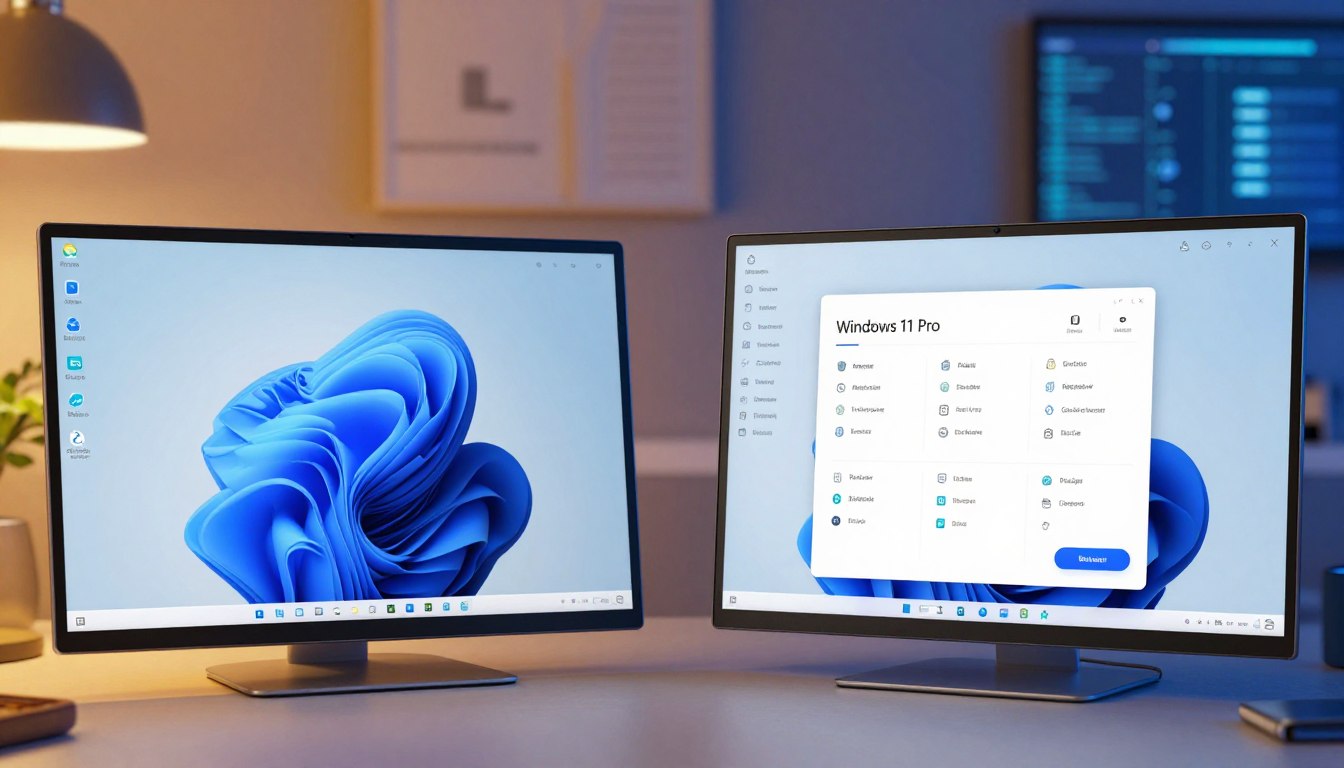
Choosing the right operating system is a big deal. At Yoursoftwarekeys.com, we help you make a smart choice. We look at what you need for your work and daily digital habits.
The basic license is great for families, students, and casual gamers. It has important safety features and a modern web browser. Most people find it enough for personal entertainment and school work.
Office users need more control and safety. The best license has BitLocker for better security and encryption. These tools keep your files safe from online threats while you work from home.
Getting the right software makes your device run better. Our team knows saving money is important for a productive space. We offer reliable activation codes to make your setup smooth and quick.
Key Takeaways
- Premium licenses offer BitLocker for superior data encryption.
- Entry-level software focuses on gaming and casual daily use.
- Business environments benefit from enhanced remote access tools.
- Hardware requirements remain identical for both main software versions.
- Choosing the right license prevents unnecessary spending on unused features.
- Yoursoftwarekeys.com provides genuine activation codes for your upgrade.
Overview of Windows 11 Home and Pro Versions
Windows 11 has two main versions: Home and Pro. Each version meets different needs. It’s important to know the differences to choose the right one for you.
Key Differences Between Home and Pro
The main differences are in security, business tools, and customizing your PC. Windows 11 Pro is for businesses and power users. It has BitLocker and better management tools.
Remote Desktop is only in Pro. It lets you connect to your PC from afar. Pro also has better networking, like joining domains and managing policies.
| Feature | Windows 11 Home | Windows 11 Pro |
|---|---|---|
| Remote Desktop | No | Yes |
| BitLocker | Limited | Yes |
| Domain Join | No | Yes |
Similarities Worth Noting
Home and Pro have the same look and many basic features. They both have the Windows 11 Start menu and Microsoft Edge. They also get the same updates and support from Microsoft.
Both versions aim to give a smooth experience. You can access the Microsoft Store and enjoy entertainment features.
Target Audience for Each Version
Windows 11 Home is for individuals and families. It’s easy to use for everyday tasks like browsing and gaming.
Windows 11 Pro is for businesses and power users. It offers advanced security and management features. It’s great for those who need more control over their PC.
Core Features of Windows 11 Home
Windows 11 Home is made for the user. It’s easy to use and works well for everyday tasks. It’s great for watching movies, playing games, and more.
User-Friendly Interface Overview
The interface of Windows 11 Home is clean and intuitive. It’s easy to find what you need. Here are some key features:
- A redesigned Start menu for quick access to apps and files.
- Improved window management with snap layouts and groups.
- Enhanced touch, pen, and voice interactions for a better experience.
Gaming Capabilities and Features
Windows 11 Home is great for gamers. It has cool features like:
- Auto HDR for better gaming visuals.
- DirectStorage for faster game loading times.
- Integration with Xbox Game Pass for lots of games.
These features make Windows 11 Home perfect for casual gamers.
Integration with Microsoft Services
Windows 11 Home works well with Microsoft services. It offers a complete ecosystem. Here are some key integrations:
- Microsoft 365 subscriptions for Office apps and cloud storage.
- OneDrive cloud storage for easy file access.
- Microsoft Teams for communication and collaboration.
This integration boosts productivity and keeps users connected across devices.
Core Features of Windows 11 Pro
Windows 11 Pro is great for business users and IT pros. It has better security, management tools, and supports remote work. These features help with business needs.
Advanced Security Features
Windows 11 Pro has strong security. It uses BitLocker for data safety, Secure Boot for trusted software, and Windows Defender Application Guard against bad files and sites.
This is key for companies with sensitive data. They need strong protection against cyber threats.
Business-Specific Tools and Applications
Windows 11 Pro has tools just for businesses. It has Windows Information Protection for data safety and Azure Active Directory (Azure AD) for managing who can access what. These are important for companies needing strong security and management.
Remote Desktop and Virtualization
Windows 11 Pro also supports Remote Desktop. This lets users work from anywhere. It also has better Hyper-V for virtual machines. This is great for companies with remote workers or flexible work needs.
In short, Windows 11 Pro is perfect for business users and IT pros. As one expert said,
“The enhanced security features and business tools in Windows 11 Pro are designed to meet the complex needs of modern businesses.”
Pricing Comparison: Home vs. Pro
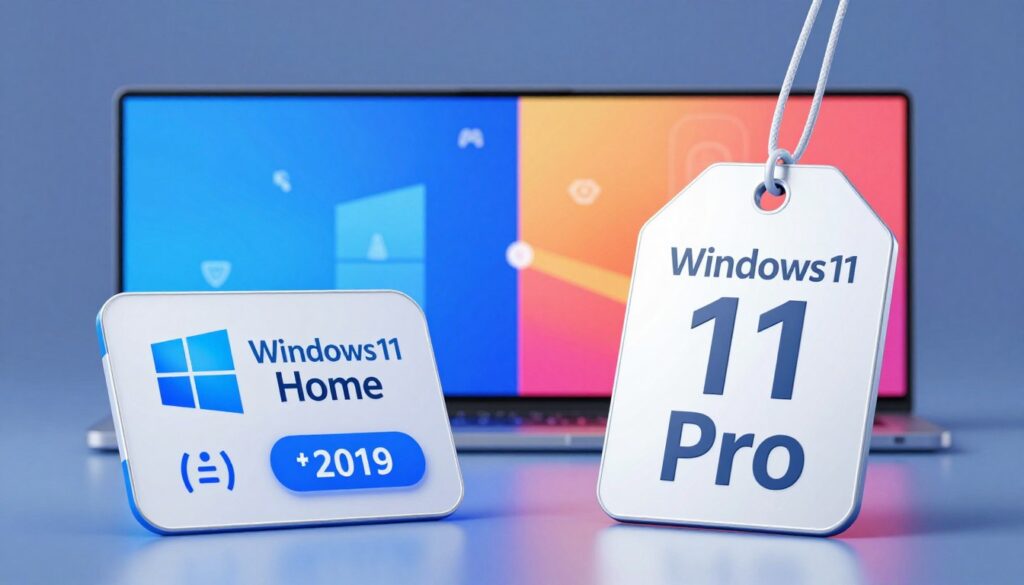
It’s important to look at the prices of Windows 11 Home and Pro. The cost can help you decide which one is right for you. This depends on what you need and how much you can spend.
Cost of Windows 11 Home
Windows 11 Home is cheaper than Pro. It costs about $139. It’s great for people who just need a computer for everyday stuff, like playing games and doing homework.
Cost of Windows 11 Pro
Windows 11 Pro costs more, about $199. It’s for businesses and people who need extra features. It has better security and tools for managing computers.
Microsoft says Windows 11 Pro is for businesses. It has features that businesses need. This is why it costs more.
Value Proposition of Each License
When thinking about value, look at what each version offers. The table below shows the main differences:
| Feature | Windows 11 Home | Windows 11 Pro |
|---|---|---|
| Price | $139 | $199 |
| Security Features | Basic security features | Advanced security features, including BitLocker |
| Management Capabilities | Limited | Enhanced management and deployment |
Choose Windows 11 Home or Pro based on your needs. If you need extra security and management for work, Pro is worth the extra cost. For personal use or simple tasks, Home is a good choice.
Performance: Home vs. Pro
Choosing between Windows 11 Home and Pro means knowing their performance differences. Both offer a smooth user experience. But, they have different features and optimizations.
System Requirements for Both Editions
Windows 11 Home and Pro need the same things to work well. You need a 64-bit CPU, 4GB of RAM, and 64GB of storage. You also need UEFI firmware and TPM 2.0. These are key for the best performance.
Microsoft says Windows 11 works well with many devices. This is great for those with older computers.
Performance Benchmarks
Windows 11 Home and Pro have similar performance. This is because they use the same operating system. But, Pro has extra security and management tools. These might use a bit more system resources.
Tests show that the performance difference is small for most users. For example, in gaming and work, both editions do well.
Real-World Usage Scenarios
In everyday use, Home and Pro perform similarly. This is true for tasks like browsing, office work, and watching media. But, if you need advanced features, Pro might be better.
- Home is good for everyday tasks.
- Pro is best for those needing extra features.
As
“The choice between Windows 11 Home and Pro should be based on your specific needs and usage patterns.”
This choice will make sure you enjoy Windows 11 to the fullest.
Security Considerations for Everyday Users
Everyday users need to know about Windows 11 security. It has many features to keep your data safe. Knowing these features helps you choose the right Windows 11 version.
Built-In Security Features of Home
Windows 11 Home has many security tools. Windows Defender Antivirus protects against malware. Firewall & network protection keeps your network safe.
Secure Boot makes sure your PC only boots trusted software. Windows Hello lets you sign in with face, fingerprint, or PIN.
Enhanced Security in Pro
Windows 11 Pro adds more security tools to Home. BitLocker encrypts your whole disk. This is great for sensitive data.
Windows Information Protection helps protect company data on personal devices. It lets businesses set data protection policies.
| Security Feature | Windows 11 Home | Windows 11 Pro |
|---|---|---|
| Windows Defender Antivirus | Yes | Yes |
| Firewall & network protection | Yes | Yes |
| Secure Boot | Yes | Yes |
| Windows Hello | Yes | Yes |
| BitLocker | No | Yes |
| Windows Information Protection | No | Yes |
Recommendations for User Protection
Whether you pick Home or Pro, you can boost your security. Keep your antivirus software updated. Update your OS and software regularly.
Use strong, unique passwords. Enable two-factor authentication when you can. Be careful with links and attachments from unknown sources.
Business Usage: When to Choose Pro
Windows 11 Pro is great for business. It has special features for work needs. It helps with work, safety, and managing things.
Pro’s Business-Oriented Features
Windows 11 Pro has cool features for work. It has advanced security features like BitLocker. It also has Windows Defender Advanced Threat Protection for safety.
It supports business-related applications. This makes it perfect for companies.
The Pro edition has enhanced networking capabilities. This helps teams work better together. It also has Domain Join and Group Policy Management. These help IT people keep devices safe.
IT Management Capabilities
Managing IT is key for businesses. Windows 11 Pro has tools to help. It has Microsoft Intune and Azure Active Directory.
These tools help IT people manage devices and keep things safe. They also make sure things follow rules.
The Pro edition also has remote desktop. This lets workers do their jobs from anywhere. It keeps the network safe and sound.
Licensing Options for Enterprises
Big companies can get Windows 11 Pro in special ways. The Volume Licensing program lets them buy lots of licenses at once. This makes things easier and cheaper.
Companies can also get the Windows 11 Pro for Workstations edition. It’s for heavy-duty work and has extra features for special computers.
| Feature | Description | Benefit |
|---|---|---|
| Advanced Security | BitLocker, Windows Defender Advanced Threat Protection | Enhanced protection against cyber threats |
| Business Applications | Support for business-related applications and services | Increased productivity and efficiency |
| IT Management | Microsoft Intune, Azure Active Directory | Simplified device management and security policy enforcement |
Future-Proofing: Updates and Support
Keeping your operating system up to date is key. Knowing the update and support differences between Windows 11 Home and Pro is important. Microsoft often updates to improve performance, security, and features. But, how these updates are handled can change between versions.
Update Policies for Home and Pro
Both Windows 11 Home and Pro get updates from Microsoft. But, Home users get updates automatically. This means they always have the latest security and features. Yet, it might cause problems if not tested well.
Windows 11 Pro gives users more control. They can delay updates, which is great for businesses. This lets them test updates before using them. It helps avoid problems from new updates.
Long-Term Support Expectations
Microsoft supports its operating systems for a long time. For Windows 11, this support will last for years. But, Home and Pro have different support times.
Windows 11 Pro gets longer support because it’s for businesses. Businesses need stable systems for a long time. So, Pro is better for them.
Preparing for Future Upgrades
To keep your system ready for the future, know Microsoft’s upgrade plans. Both Home and Pro users should back up their data. They should also check if their hardware works with the latest Windows.
Businesses using Windows 11 Pro can use Windows Update for Business. This tool helps manage updates across the company. It keeps all devices safe and up-to-date without trouble.
Understanding updates and support for Windows 11 Home and Pro helps users make smart choices. This ensures their system stays supported and safe now and in the future.
Conclusion: Which Version Is Right for You?
Choosing the right Windows 11 version is important. You need to think about what you want to do with your computer. Is it for fun, work, or gaming?
Key Considerations
Windows 11 Home and Pro are different. Home is great for playing games and everyday use. It’s easy to use and fun.
Windows 11 Pro is for work and serious users. It has better security and tools for managing computers.
Assessing Your Needs
Think about what you need. If you want strong security and work tools, choose Pro. Home is perfect for playing games and everyday tasks.
Final Decision
Deciding on a Windows 11 version is all about what you need. Look at your needs carefully. This will help you pick the best version for you.


